[Site Name]
[domain_name]
(999) 999-9999
[address1]
[address2]
[City, State Zip]
Lighting Channels
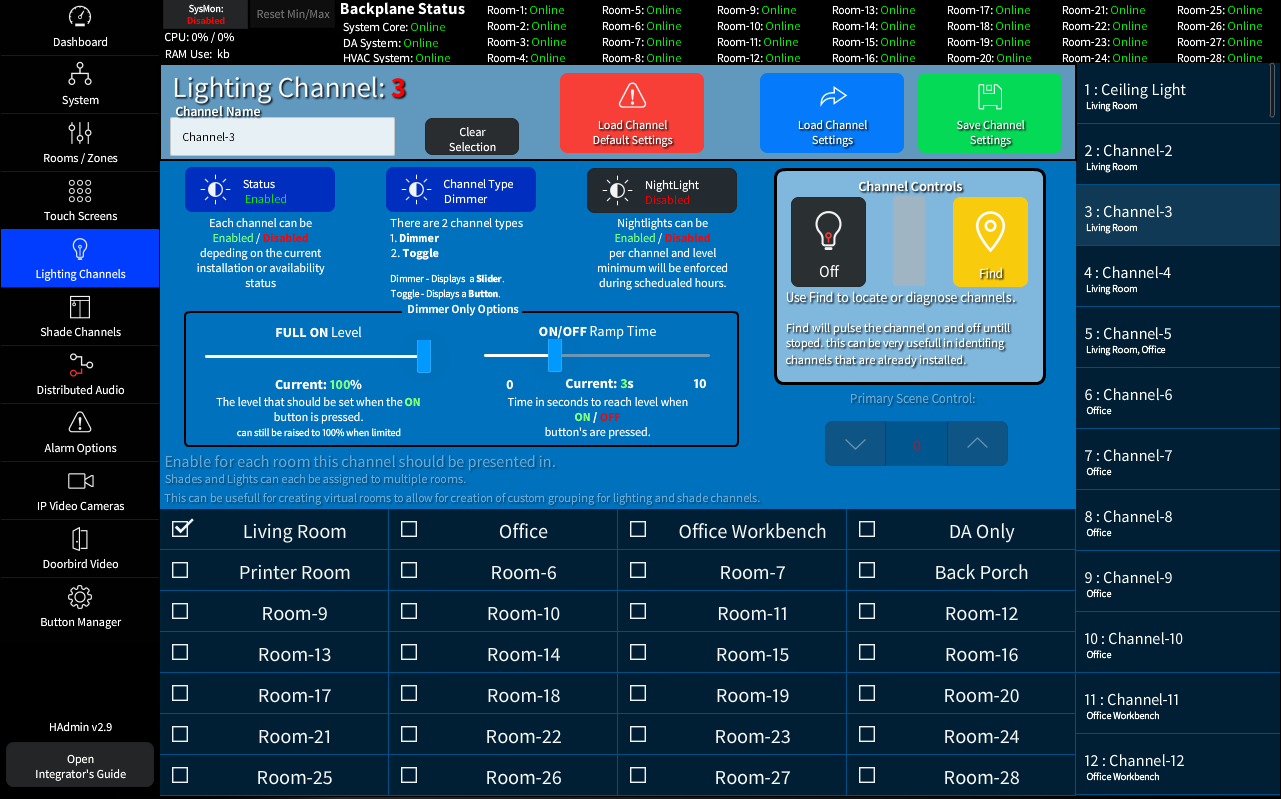
The Lighting Channels Page allows you to configure up to 160 individual lighting channels. Each channel can be assigned to a room or even multiple rooms. This allows for maximum flexibility in the configuration of special 'Virtual' Rooms for scheduling while retaining local room control.
Base Settings
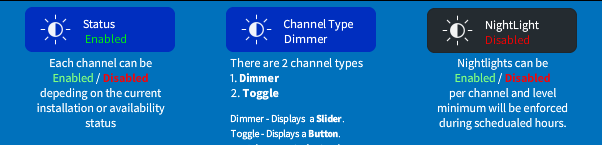
The Base settings allow you to set the Default options for the channel.
- When enabled the lighting channel will show in all lighting lists it is assigned to.
- The Channel type defines the functionality of either a Toggle (Hard On/Off) or a Dimmer (adjustable level)
- Activating the channel as a Night Light will enforce the minimum level while the Night Lights system is active. Night Light mode and Level can be scheduled in the Scene Manager of a User Touch Screen in the Settings Area.
Dimmer Only Options
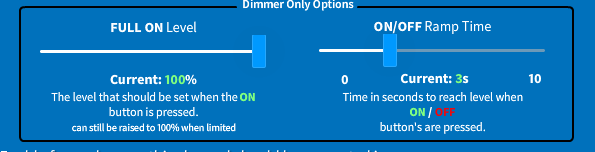
The Dimmer only options allow for limiting the full on default (channel can still be raised to full AFTER initial On pulse if desired by the user)
You can also adjust the Ramp time of the On/Off signal to help eliminate hard on/off changes in a room
Utilities
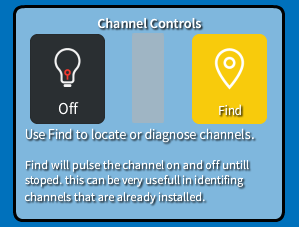
- The On/Off button setts the channel to on (100%) or off (0%)
- The Find button will activate a continues On/Off cycle untill deactivated. This can be useful in verifying IP ID Assignments in the system.
Available Rooms
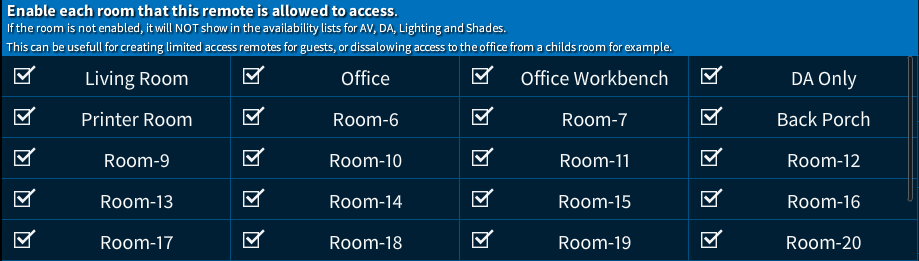
Select the Rooms / Zones that will be available for control from this remote.
Only Checked rooms will be shown in this remotes Rooms / Zone lists.
Note: This section is available on Touch Screens, Lighting, and Shades that allow for access / assignment of the remote / channels to a room